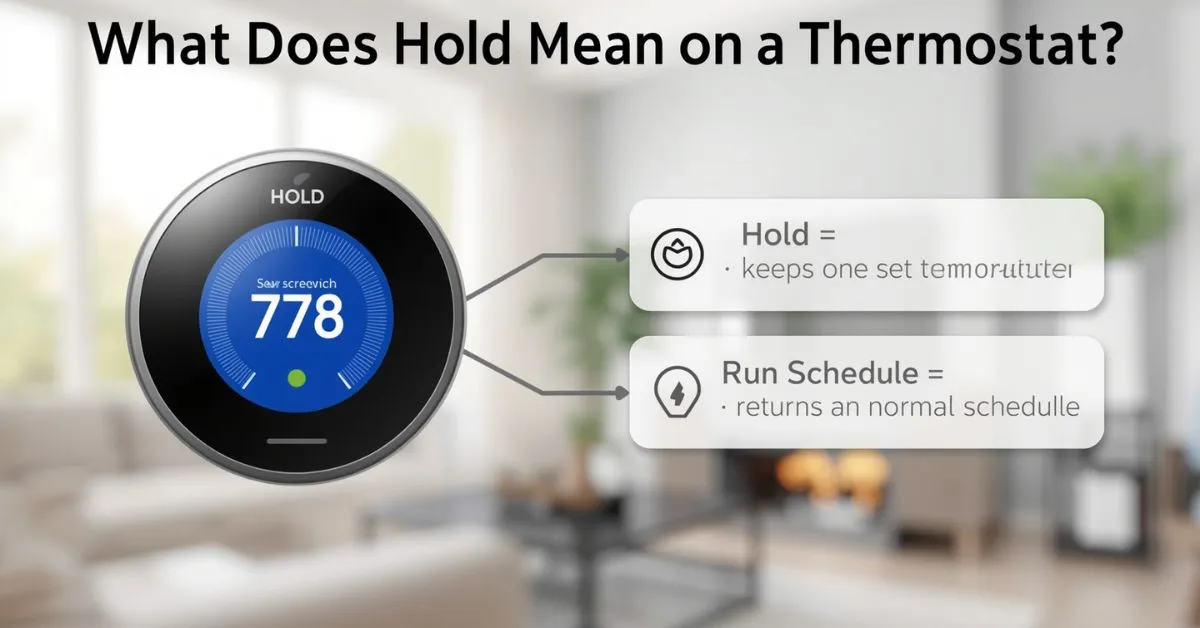
Hold on a thermostat usually means the thermostat is ignoring its normal schedule and keeping the temperature you selected instead.
Depending on the thermostat, that hold may last until the next scheduled change, until a time you choose, or until you manually end it and return to the normal schedule.
If your thermostat says Hold, Hold Until, Temporary Hold, or Permanent Hold, it usually does not mean something is broken.
In most cases, it means the schedule has been paused or overridden. The most important thing to figure out is what kind of hold is active and how to resume the schedule.
Quick answer
- Hold = keep one chosen temperature instead of following the programmed schedule.
- Temporary Hold = usually lasts until the next scheduled period or a chosen end time.
- Permanent Hold = usually stays on until you manually cancel it.
- Run / Run Schedule / Resume / End Hold / Cancel Hold = options that usually return the thermostat to its normal program.
What does hold mean on a thermostat in simple terms?
A thermostat schedule is designed to change temperatures automatically throughout the day. The hold feature tells the thermostat to stop following that schedule for now and stay at one set temperature instead.
Think of it like this:
- your schedule is the thermostat’s normal plan
- hold is a temporary or manual override
- run schedule means go back to the plan
That is why many people see Hold after manually raising or lowering the temperature. On several thermostat platforms, a manual change can create a hold automatically.
Ecobee says manual changes place a hold and override the schedule, and Nest notes that manual changes can stick until the next scheduled change unless you use a longer hold.
Why does my thermostat say hold?
Usually, one of these things happened:
1) Someone changed the temperature manually
On many thermostats, tapping the up or down arrows creates a temporary hold or manual override. That is common on programmable and smart thermostats, including ecobee and Nest.
2) A scheduled hold was set on purpose
Some thermostats let you choose a hold length, such as until the next schedule, for a few hours, or until you manually end it. Lennox and Cielo both describe timed schedule-hold options like these.
3) The thermostat is no longer following the schedule
Some models show Hold because the programmed schedule is being bypassed. An older Lennox manual describes hold as a state where the programmed temperature data is ignored and the thermostat behaves more like a non-programmable thermostat.
4) A phone app, preset, or automation changed the setting
With smart thermostats, holds can be created through the app, not only at the wall unit. Nest and ecobee both support hold behavior through their software controls, which is why the screen can change even if nobody pressed the thermostat directly.
Temporary hold vs permanent hold
This is where most confusion starts.
A temporary hold usually keeps your chosen temperature only for a limited time. That might mean:
- until the next scheduled period
- until a specific clock time
- for a certain number of hours, depending on the thermostat model.
A permanent hold usually keeps the thermostat at one chosen temperature until you manually end the hold or resume the schedule. Nest also allows an indefinite hold in some cases, such as choosing no end time for Eco temperature holds.
Quick comparison table
| Setting | What it usually means | How long it lasts |
|---|---|---|
| Temporary Hold | Pause the schedule for now | Until next schedule change or set end time |
| Hold Until | Keep this temp until the time shown | Until that time arrives |
| Permanent Hold | Ignore the schedule and keep one temperature | Until you cancel it |
| Run / Resume | Return to programmed schedule | Immediate |
This table reflects the behavior described across Trane, Lennox, Cielo, Nest, and ecobee support content, though exact labels vary by model.
Hold vs run: what is the difference?
This is one of the most important clarifications.
Hold means “stay at this temperature for now.”
Run or Run Schedule means “go back to the programmed temperature schedule.”
Many users think Hold means the furnace or air conditioner will run nonstop. That is usually not true. It means the thermostat is trying to maintain one target temperature instead of moving through scheduled setpoints. The HVAC system should still cycle on and off as needed.
How to get a thermostat off hold
In many cases, you can remove hold by using one of these options:
- Run
- Run Schedule
- Resume
- End Hold
- Cancel Hold
What to look for on the screen
If your thermostat says:
- Hold Until 6:00 PM → wait until that time, or cancel the hold early
- Permanent Hold → manually end the hold
- Schedule Hold → look for a cancel or resume option
- Run → tap it to resume the program.
If the thermostat still says hold
Try these steps in order:
- Check whether the hold has an end time.
- Look for Run Schedule, Resume, or End Hold.
- Open the thermostat app and check for an active hold there.
- Confirm the schedule is actually turned on. Sensi notes that if you do not want to run a schedule, you can turn Schedule Off, which changes how temperature behavior works.
- If the setting keeps returning, review app automations, energy-saving events, or presence-based routines. Sensi notes that provider-driven or app-driven actions can affect scheduling and temporary holds.
When should you use hold?
Hold is useful when your day does not match your normal routine.
Good times to use it include:
- you are home unexpectedly and want the house warmer or cooler
- guests are over and you want steady comfort for a few hours
- you are going away and want one stable away temperature
- outdoor conditions are unusual and you do not want the schedule changing back too soon.
In other words, hold works best for exceptions, not for your entire daily routine.
When hold can waste energy
A schedule is often used to save energy by letting temperatures drift a bit when you are asleep or away.
The U.S. Department of Energy says you can save as much as 10% a year on heating and cooling by setting the thermostat back 7°–10°F for 8 hours a day in the right conditions. That means leaving a comfortable temperature on permanent hold all day can reduce or eliminate those savings.
That does not mean hold is bad. It just means hold should usually be used on purpose. If your home follows a predictable routine, the schedule should do most of the work.
Important note for heat pumps
The DOE says that if you have a heat pump, you should maintain a moderate setting or use a programmable thermostat designed for heat pumps. So aggressive setbacks are not always the best strategy for every system.
Thermostat hold meaning on common brands
The core idea is similar across brands, but the labels and behavior can differ.
Honeywell-style programmable thermostats
On many Honeywell-style programmable thermostats, hold means the thermostat is overriding the programmed schedule.
Some models distinguish clearly between temporary hold and permanent hold, and users typically return to the schedule with Run. That same pattern appears in Trane’s programmable thermostat guidance too.
Nest thermostats
Nest supports timed holds and, in some cases, indefinite holds for Eco temperatures. Google’s help documentation says non-Eco presets can usually be held for up to 24 hours, while Eco can be held indefinitely until you end the hold. Nest also notes that manual adjustments can stick until the next scheduled change.
ecobee thermostats
ecobee describes a hold as a way to ignore the current scheduled temperature. It also says manual temperature changes place a hold and override the schedule, and hold duration can be affected by user preferences.
Sensi thermostats
Sensi strongly ties temperature behavior to whether the schedule is on or off. Its support materials note that the thermostat comes pre-programmed with a default schedule, and some temporary adjustments can create a temporary hold for a minimum period in certain program contexts.
What most articles miss about this topic
The biggest thing many articles miss is this:
Hold is mainly a schedule setting, not a sign that the HVAC is running nonstop. That distinction matters because it helps homeowners avoid confusing a normal thermostat state with a system malfunction.
Another thing many pages gloss over is that not all holds work the same way. Some thermostats use short temporary holds.
Some let you choose a clock time. Some use Eco holds. Some let app settings or schedule settings change the result. That is why generic one-line answers often leave users confused.
The final overlooked point is energy use. Hold is convenient, but if it quietly disables your normal setbacks for long periods, it can cost more than you expect. That is especially important if you thought your thermostat was still following its weekday schedule.
Common mistakes people make
Mistake 1: Thinking hold means the thermostat is broken
Usually, it does not. It usually means the schedule has been overridden.
Mistake 2: Leaving permanent hold on for days without realizing it
That can stop your normal energy-saving schedule from running.
Mistake 3: Assuming every thermostat brand uses hold the same way
Nest, ecobee, Lennox, Sensi, and other brands use similar ideas, but the labels, timing, and app behavior can differ.
Mistake 4: Forgetting to check the app
On smart thermostats, a hold may have been created or extended from the mobile app rather than the wall unit.
FAQ
What does hold mean on a thermostat?
It usually means the thermostat is overriding the normal schedule and keeping the temperature you selected instead.
What is temporary hold on a thermostat?
A temporary hold usually keeps a chosen temperature until the next scheduled change or until a set end time.
What is permanent hold on a thermostat?
A permanent hold usually keeps one chosen temperature until you manually cancel it or resume the normal schedule.
How do I get my thermostat back to normal?
Look for options like Run, Run Schedule, Resume, End Hold, or Cancel Hold. Those usually return the thermostat to its programmed schedule.
Why does my thermostat keep going back to hold?
The cause may be a manual temperature change, an app-based hold, a provider event, a preset, or schedule settings that are different from what you expect.
Does hold use more electricity?
It can, especially if it stops your energy-saving setbacks from happening. Whether that matters depends on your schedule, your HVAC system, and how long the hold stays active.
Should I use hold when I leave for vacation?
It can make sense if you want the home to stay at one away temperature rather than follow your normal daily schedule. Smart thermostats may also offer Eco or away-style options that work better for this than a simple permanent hold.
Final takeaway
If you remember one thing, remember this: hold on a thermostat means “keep this temperature instead of following the schedule.” The only part that changes from one thermostat to another is how long that hold lasts and what button you press to end it. On many models, the fix is as simple as tapping Run, Resume, or End Hold and letting the schedule take over again.
Read Also These Posts Click here:
What Does Braised Mean in Cooking? Simple Definition, Examples
What Do Dreams Mean? Common Dream Themes, How to Interpret Them

Hi, I’m Clara Lexis from Meanvia.com. I break down words and expressions so they’re easy to understand and enjoyable to learn. My mission is simple: make language approachable and fun, one word at a time.